
Password Reset Tool
Section outline
-

IT have setup a new password reset tool. These are the step by step instructions: Self-Service Password Reset Guide,
-
 Every 3 months the system requires all users, both students and staff, including the Principal, to change their password.
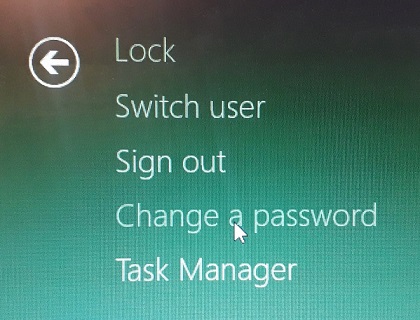
To create a new password press Command+Option+Esc on Macs or Control+Alt+Delete on Windows to access the Task Manager menu. Then select 'Change a password' and insert both the current and the new password.
There is an inevitable likelihood of an issue with misremembered/forgotten passwords, as well as any other issues that occur. In these situations, simply send your Student ID number to the Moodle Helpdesk for your password to be reset.
-